Core effect
Blue-line scan effect
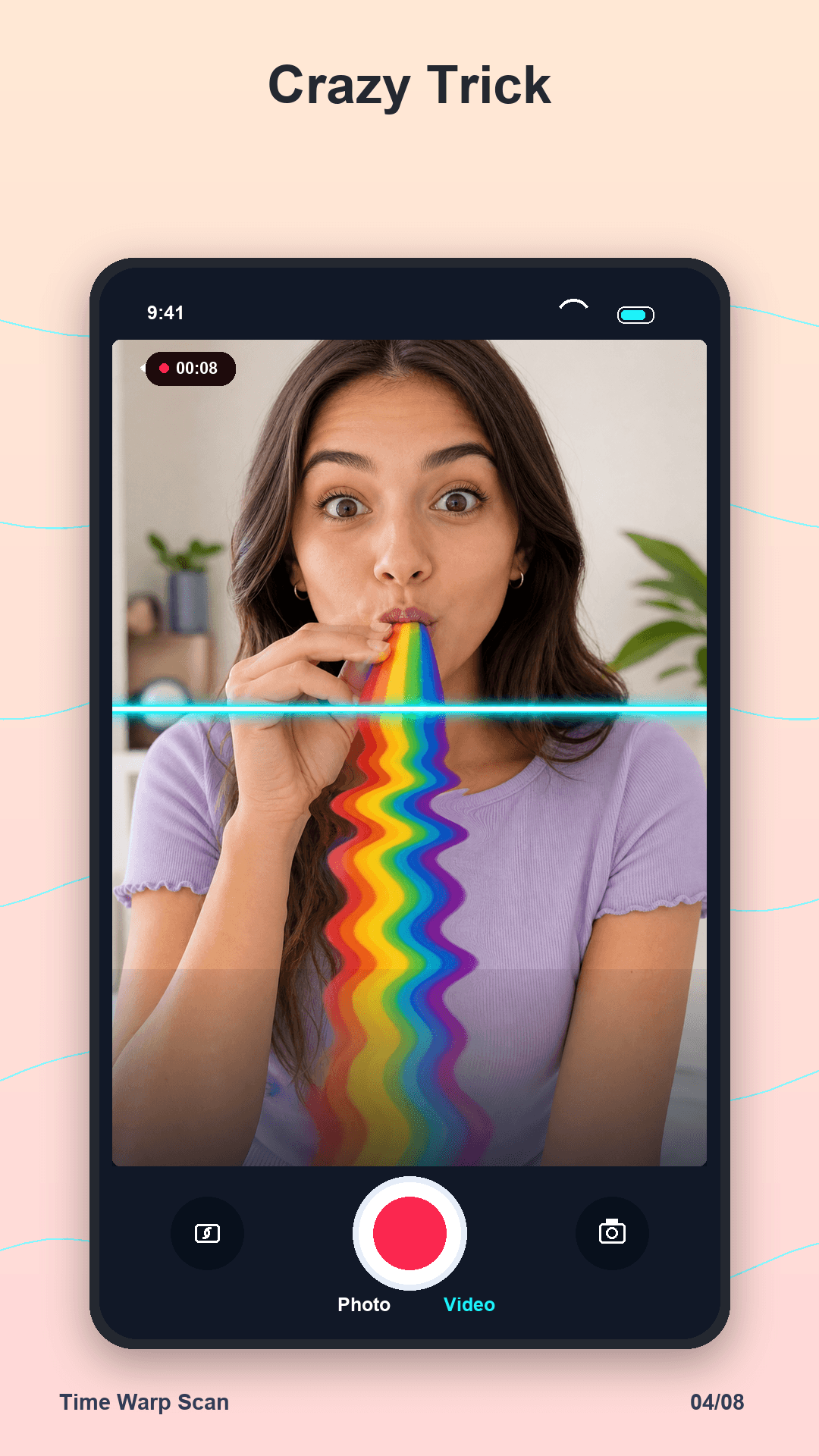
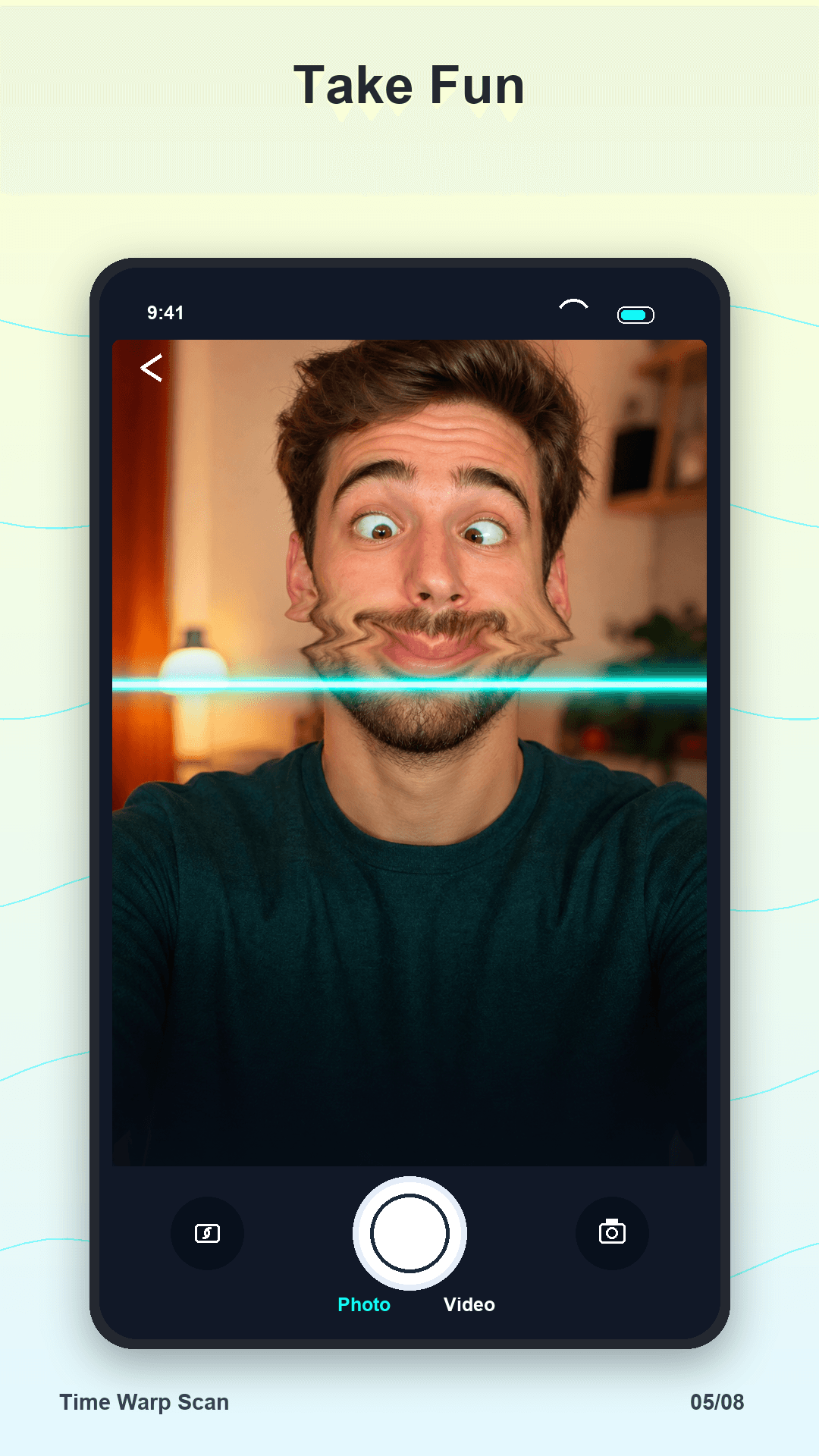
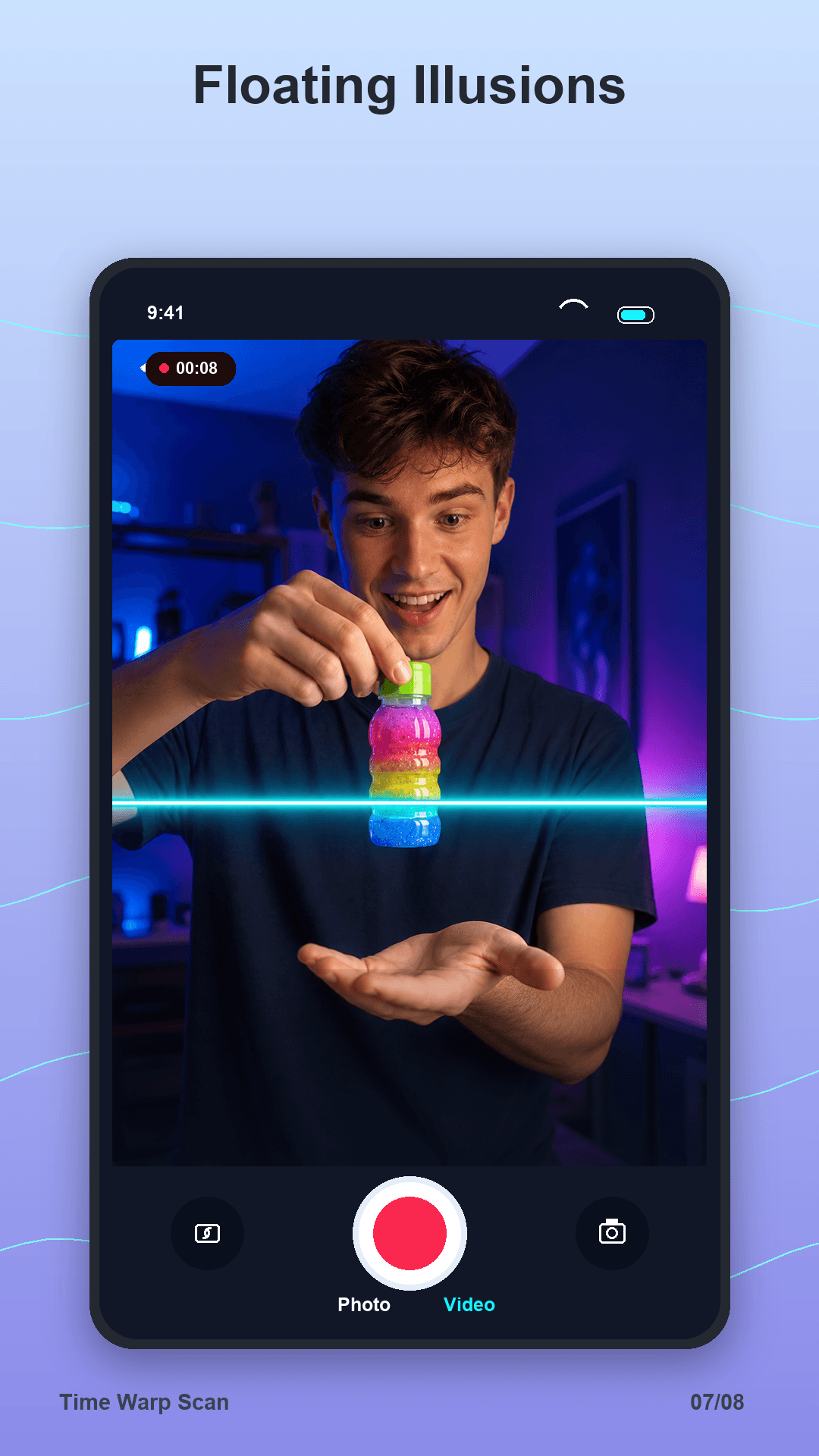
Freeze each part of the camera frame as the glowing scan line passes.
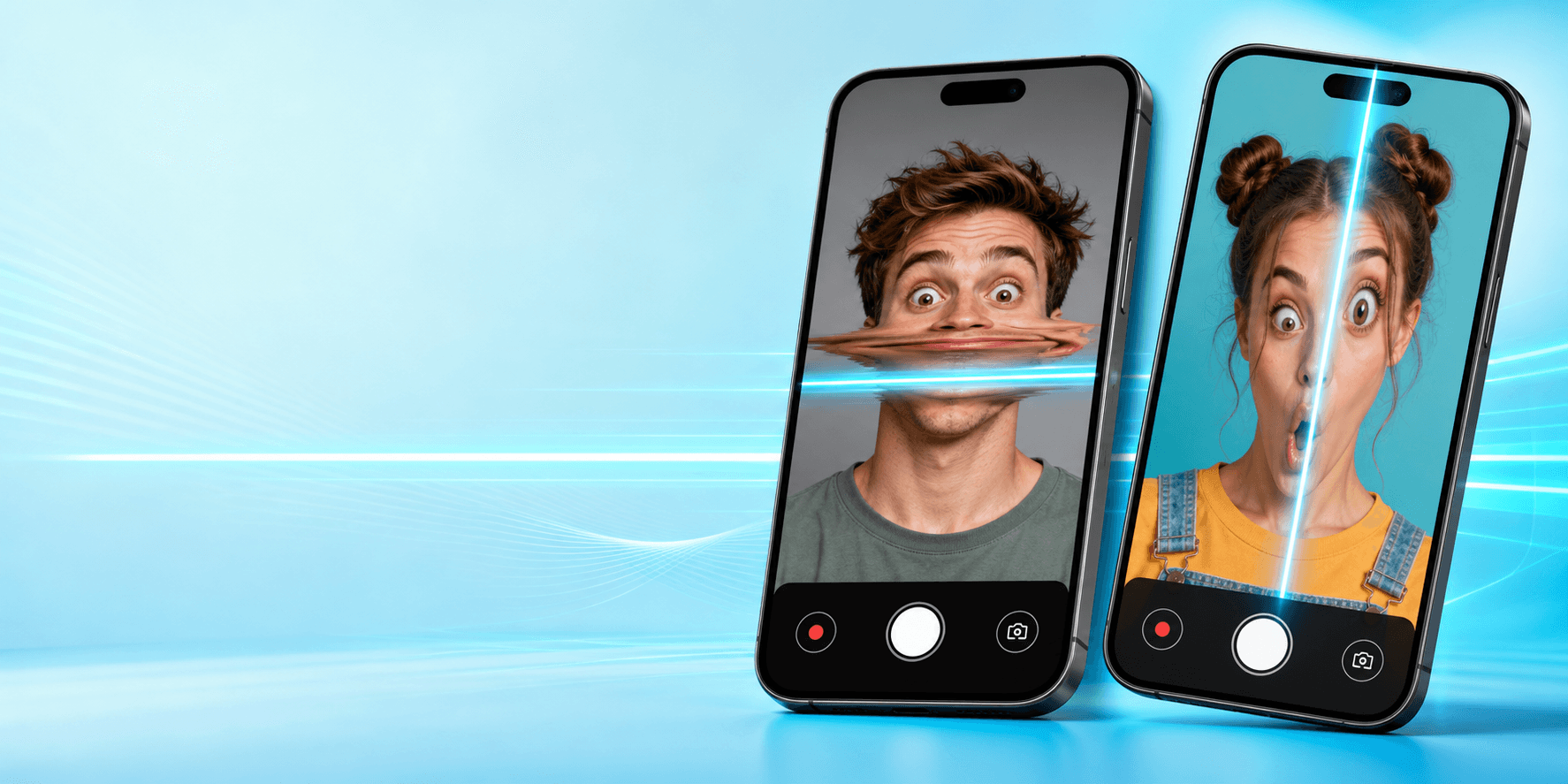
 Time Warp Scan
Blue-line camera effects
Create funny face warp photos and scan-line videos with vertical and horizontal blue-line effects, speed controls, save, gallery, and sharing tools.
Scan-line studio
Start the camera, choose the direction, tune the scan, and turn simple movement into viral-style warp effects.
Freeze each part of the camera frame as the glowing scan line passes.
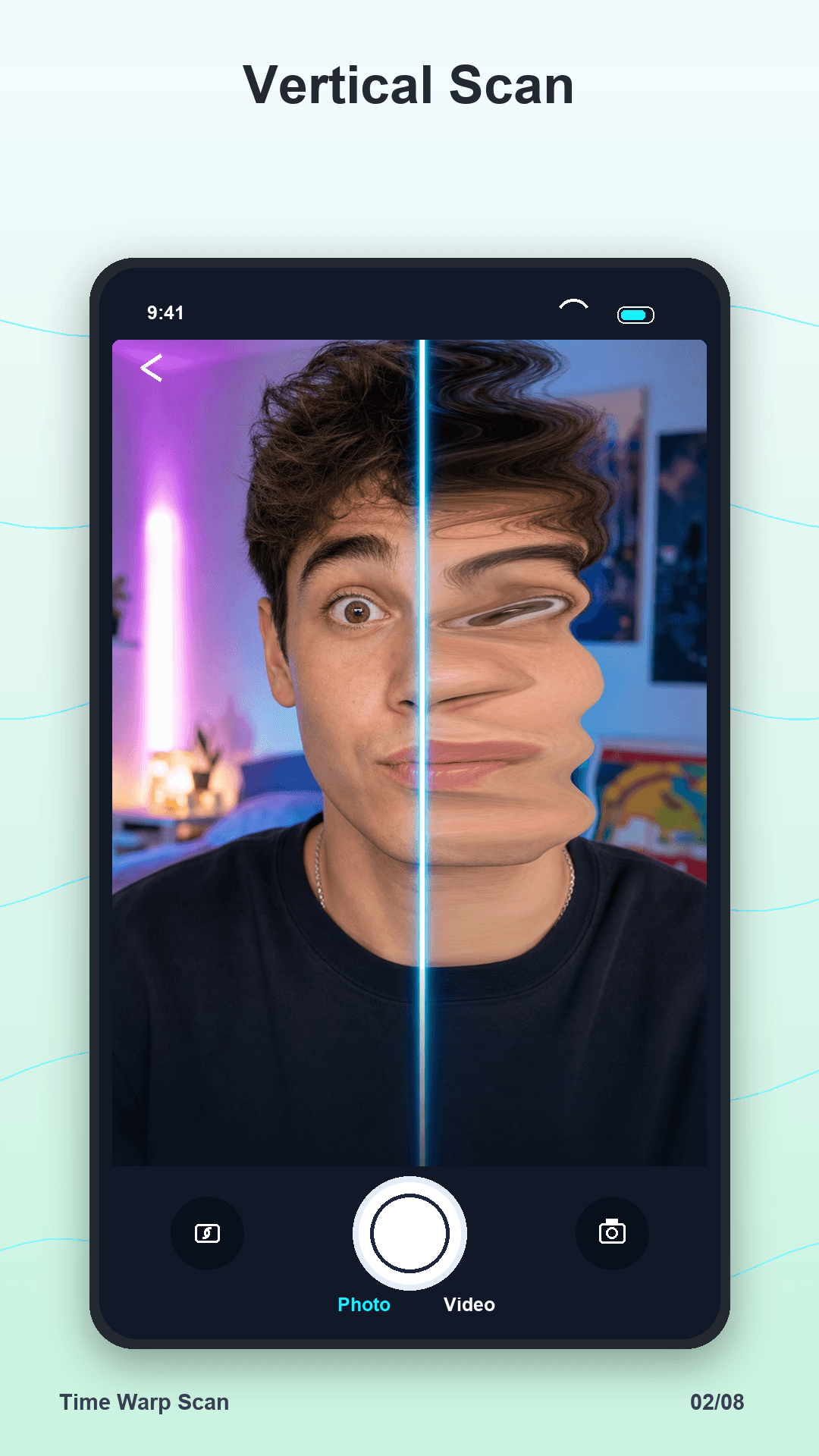
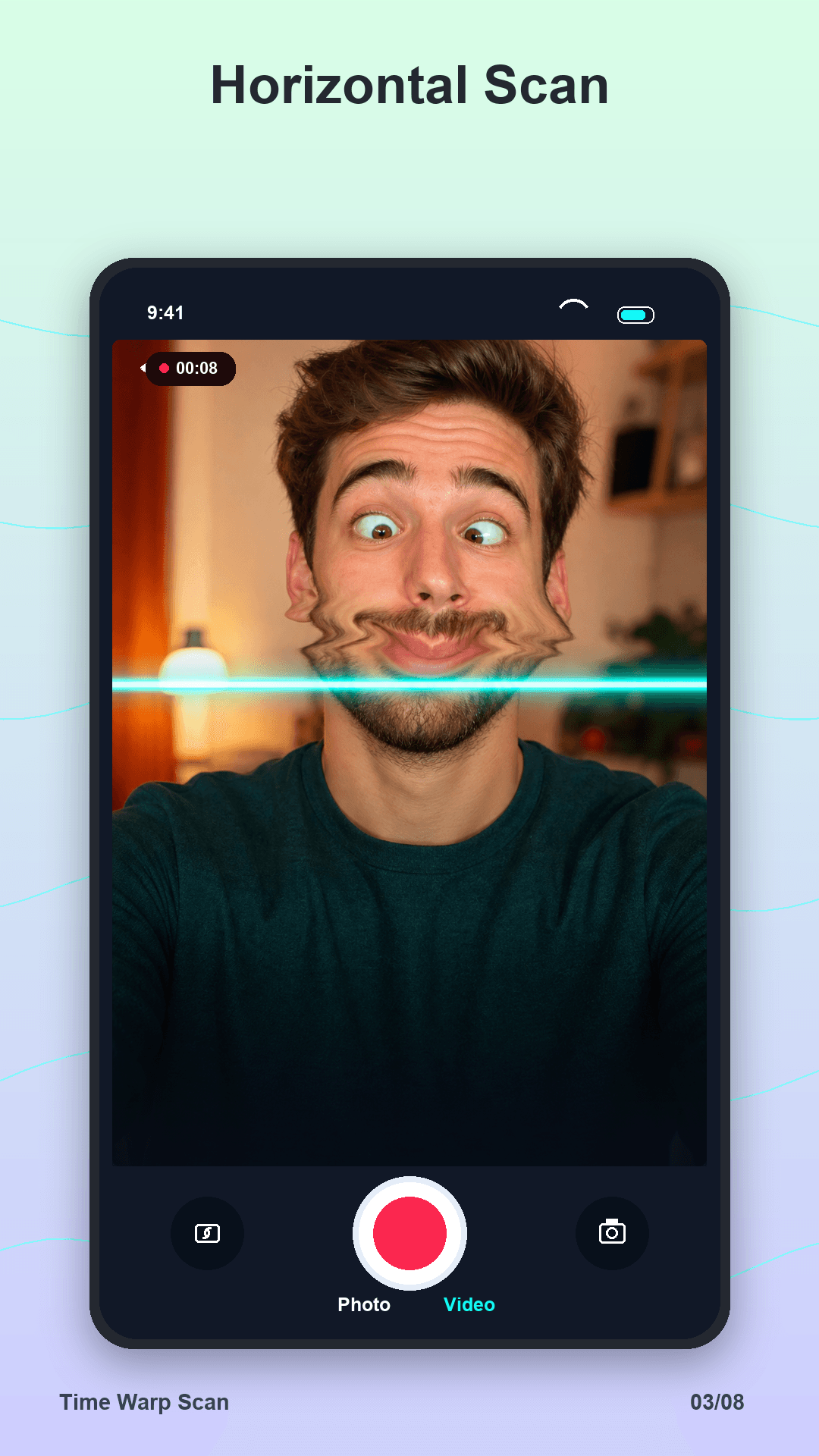
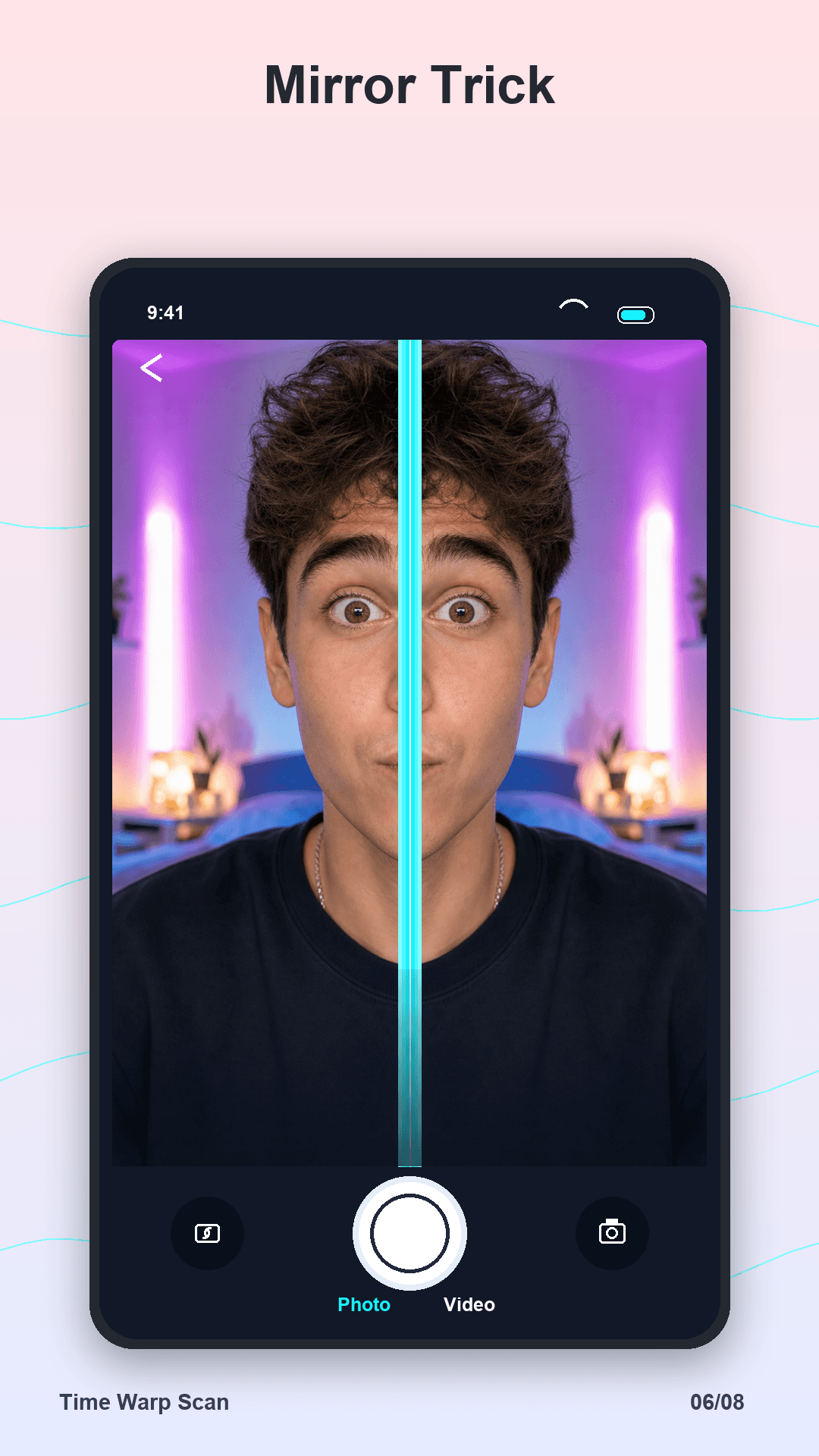
Switch scan direction to stretch faces, objects, hands, and motion in different ways.
Tune scan speed and camera brightness before every take for cleaner results.
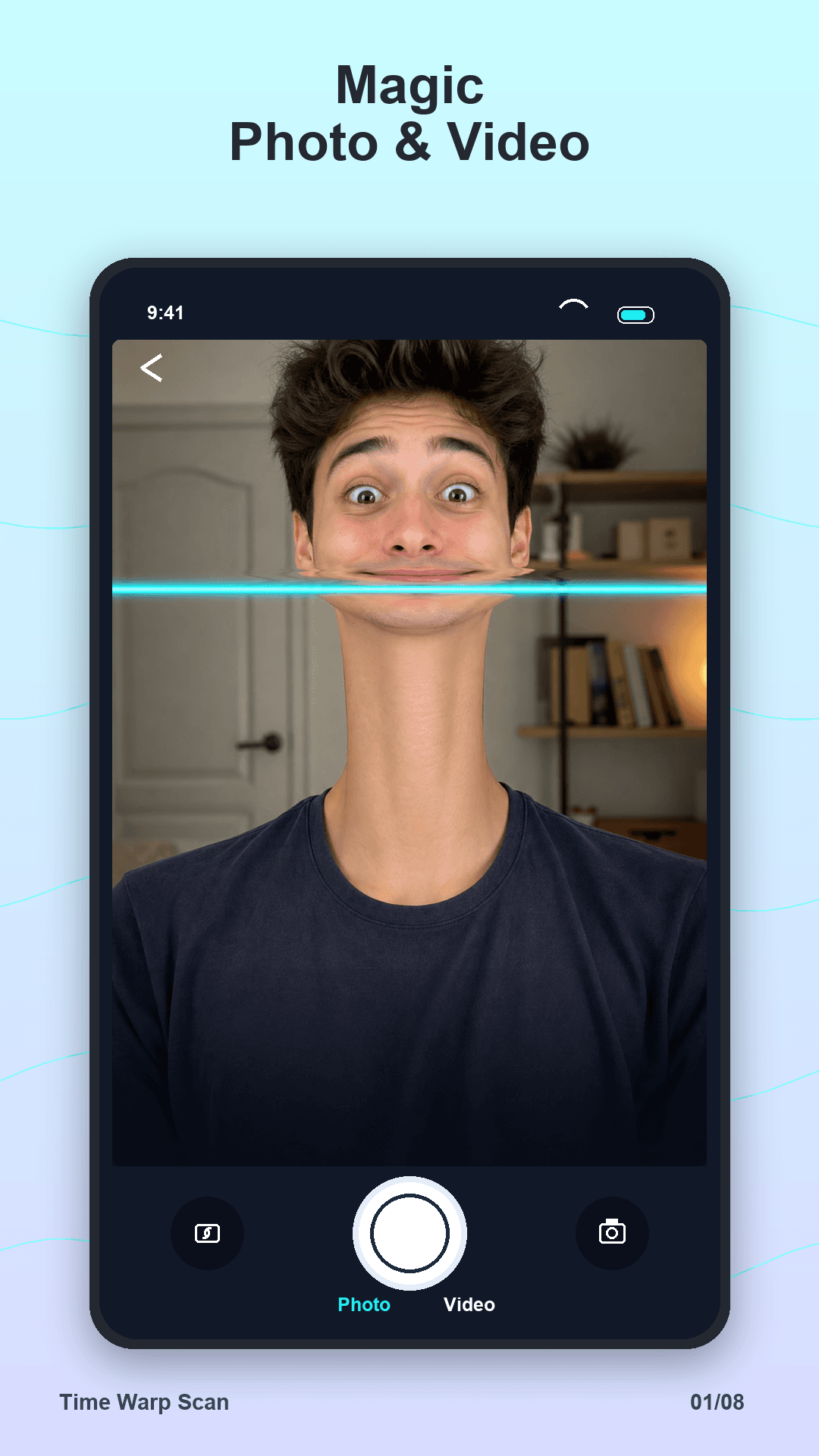
Create a still warped picture or record the whole scan effect as a clip.
Keep warped photos and videos organized in one place inside the app.
Save results to your gallery and share the funniest scan moments quickly.
Preview the app
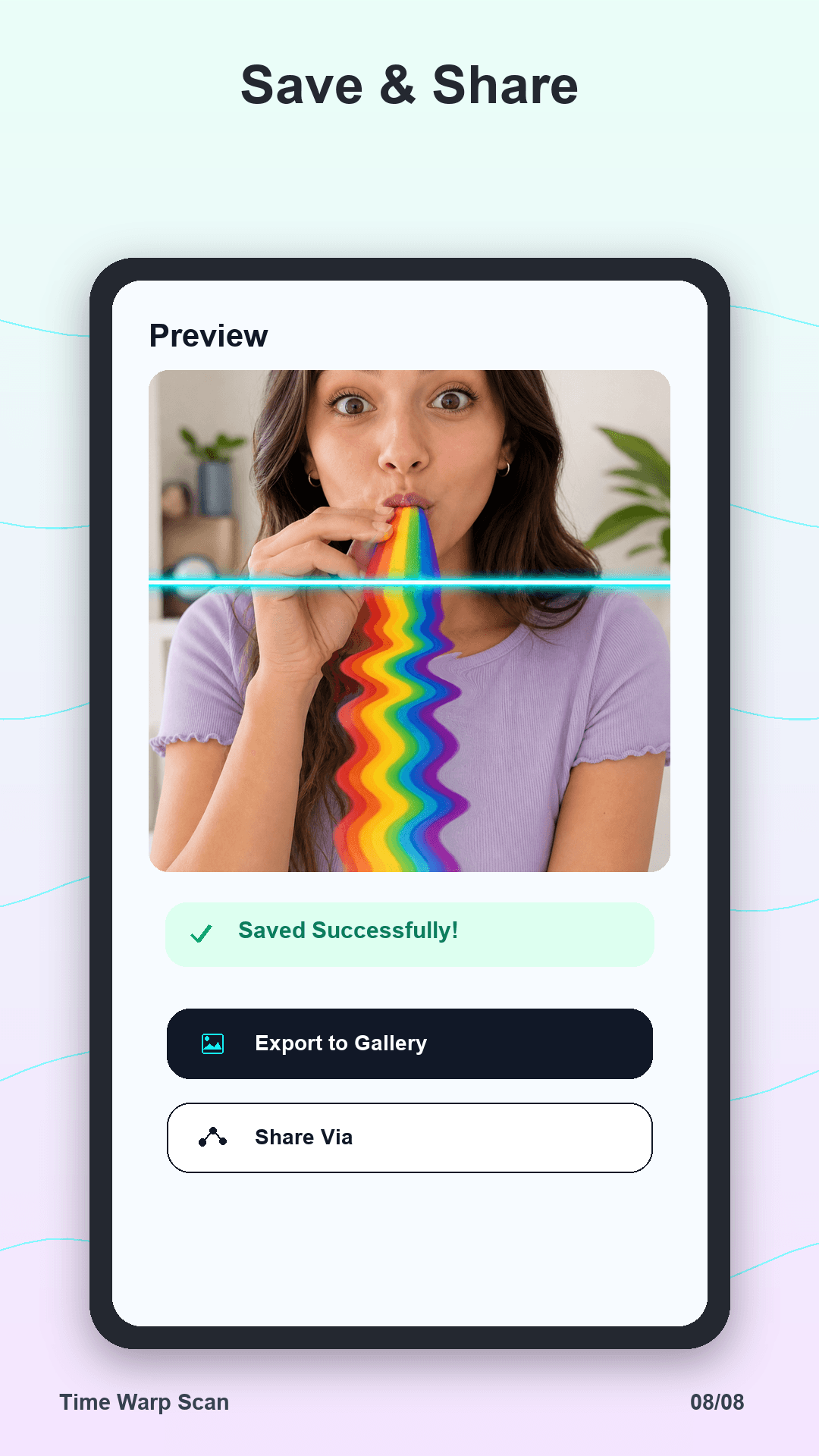
The listing assets show the core camera flow: photo, video, vertical scan, horizontal scan, tricks, preview, save, and share.
How it works
Time Warp Scan is designed for quick creative capture: set the line, move with the scan, then keep or share the result.
Choose vertical or horizontal depending on the trick you want to create.
Hold steady, move at the right moment, and let the camera freeze the motion.
Export the scan to your gallery or share the result from the preview screen.
Get the app
Scan the QR code from desktop or tap the button on mobile to open the Google Play listing for the Time Warp Scan package.
Ready to warp